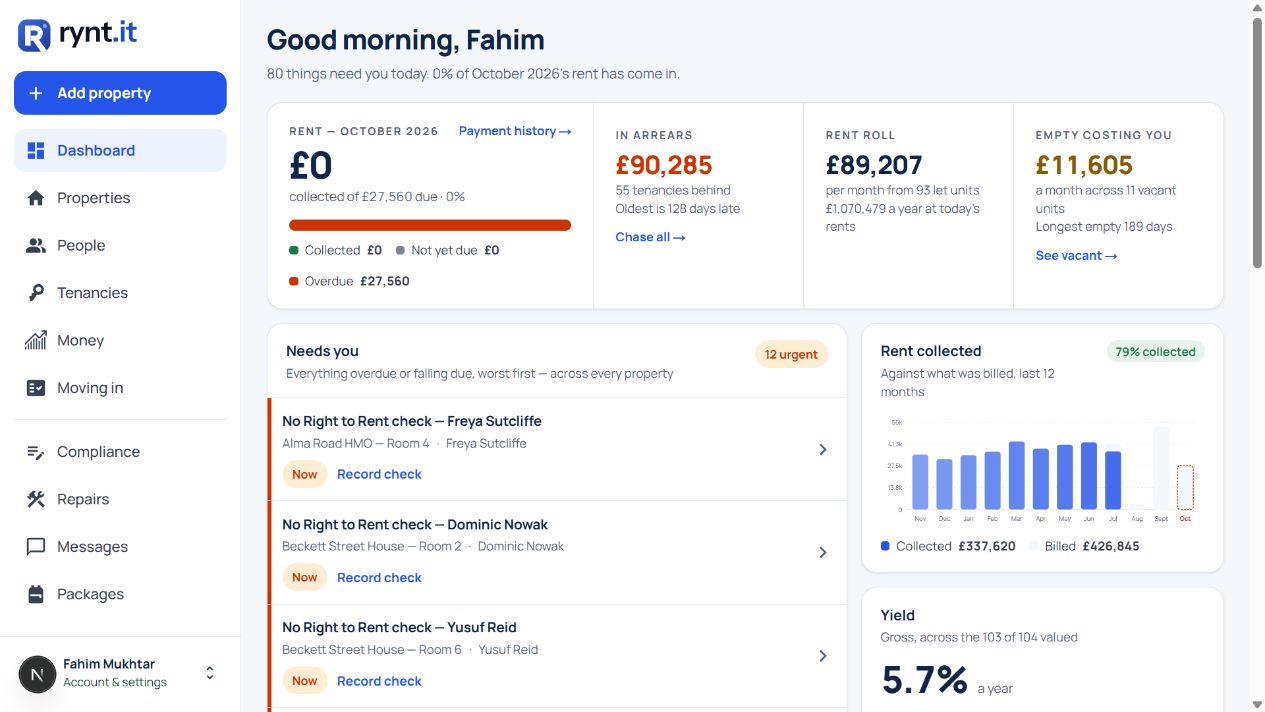
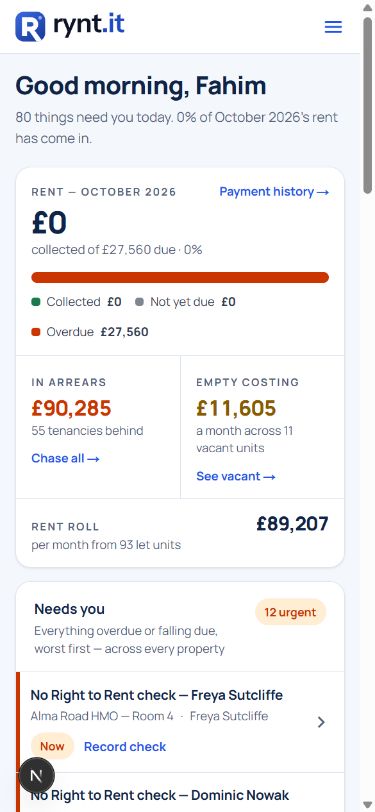
Know who to follow up.
- See overdue rent by tenancy
- Keep a record of each payment


Property management for landlords in England
Manage your own properties with rent records, repairs and tenancy paperwork together. See who needs following up, what’s due next and what you’ve already done.
YOUR DAILY OVERVIEW
SEE IT WORK
Record a payment, follow a repair or find a tenancy document.
Explore the illustrative demo. No sign-up needed.
Illustrative demo. Invented people and figures. Nothing is saved or sent.
RENT & ARREARS
See rent due, paid and overdue across your portfolio. Open the tenancy that needs attention, check the payment history and keep a record of your follow-up. See which units are vacant and the monthly rent they could bring in.
Recurring rent and costs are recorded automatically. Tenants receive rent reminders by email, with texts on paid plans.
Try tracking a payment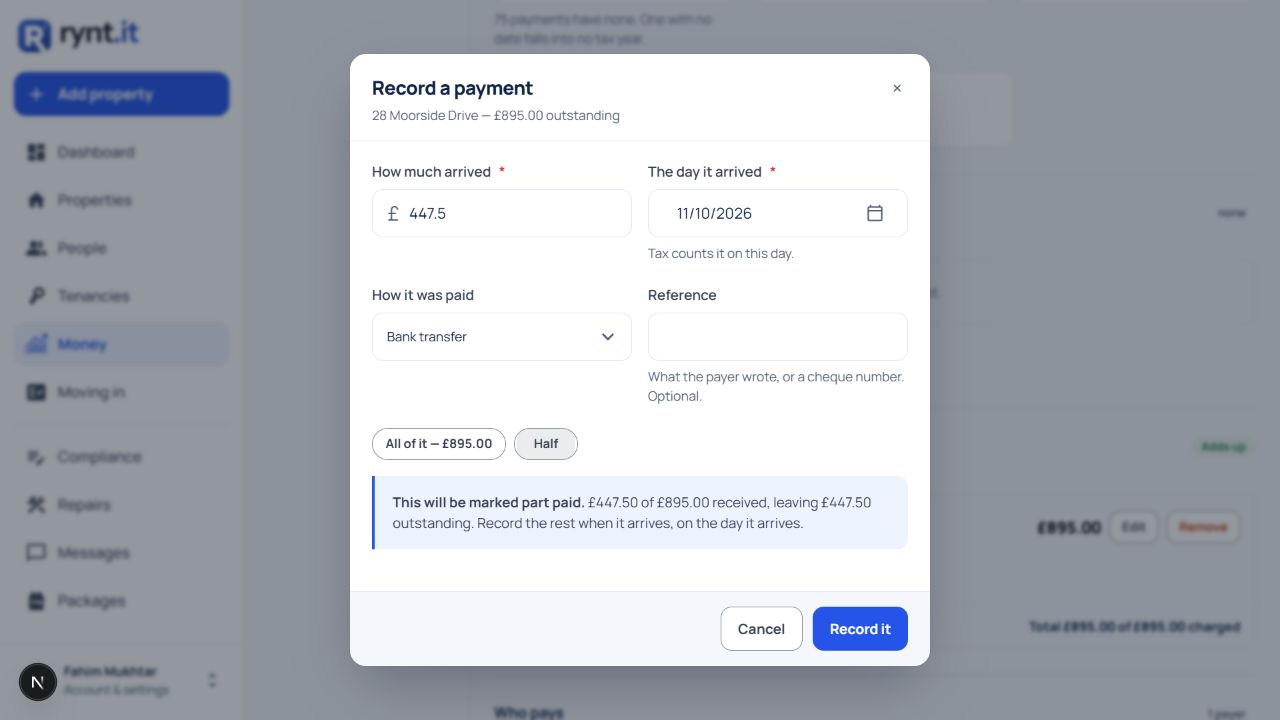
FORMS & COMPLIANCE
Less second-guessing over forms and deadlines. See what needs your attention,
prepare the supported paperwork and keep a record of completed steps.
Prepare written terms, deposit prescribed information and rent-increase notices using the supported forms. Keep a history of the documents you give your tenants.
Track landlord and property registration details for the Private Rented Sector Database. Keep the relevant dates and changes with your property records.
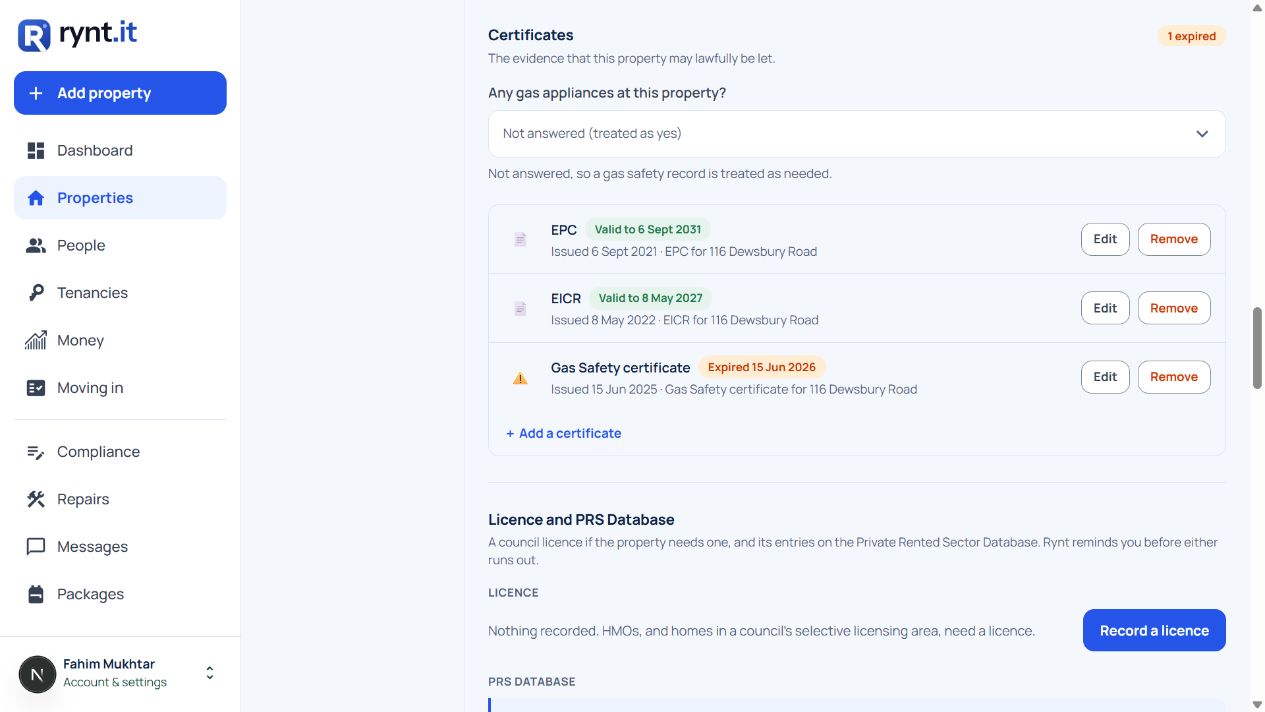
Track gas safety, EICR and EPC dates, deposit protection, Right to Rent and HMO or selective licences. See what’s overdue, due soon or not recorded—and whether the supporting document is held. Certificate reminders arrive before expiry.
England’s rental rules are changing in stages. The government has announced regional landlord registration from 15 December 2026, starting in the West Midlands.
Read the government announcement ↗POSSESSION SUPPORT
Unpaid rent or a tenancy problem can mean difficult decisions. Bring the relevant records together before you take the next step.
Support for lawful possession in England. Rynt helps prepare records and documents; it does not provide legal representation or guarantee an outcome.
Review the supported requirements and any gaps in your records.
Use the supported notice and form workflows with your tenancy details.
Rent statements, tenancy documents and recorded service history, ready to review.
A workflow summary, not an app screenshot.
PROPERTY ACCOUNTS & MTD
See income and costs for each property. Keep digital records,
prepare Making Tax Digital updates and share the figures with your accountant.
Record expenses against each property, attach receipts and review profit and loss by property and tax year. Export accounts as PDF or CSV, plus transaction records for your accountant.
Import a bank statement, review suggested matches and confirm what each payment covers.
Organise rental income and expenses in HMRC categories, review quarterly figures and send updates to HMRC. Keep the submission receipt with your records.
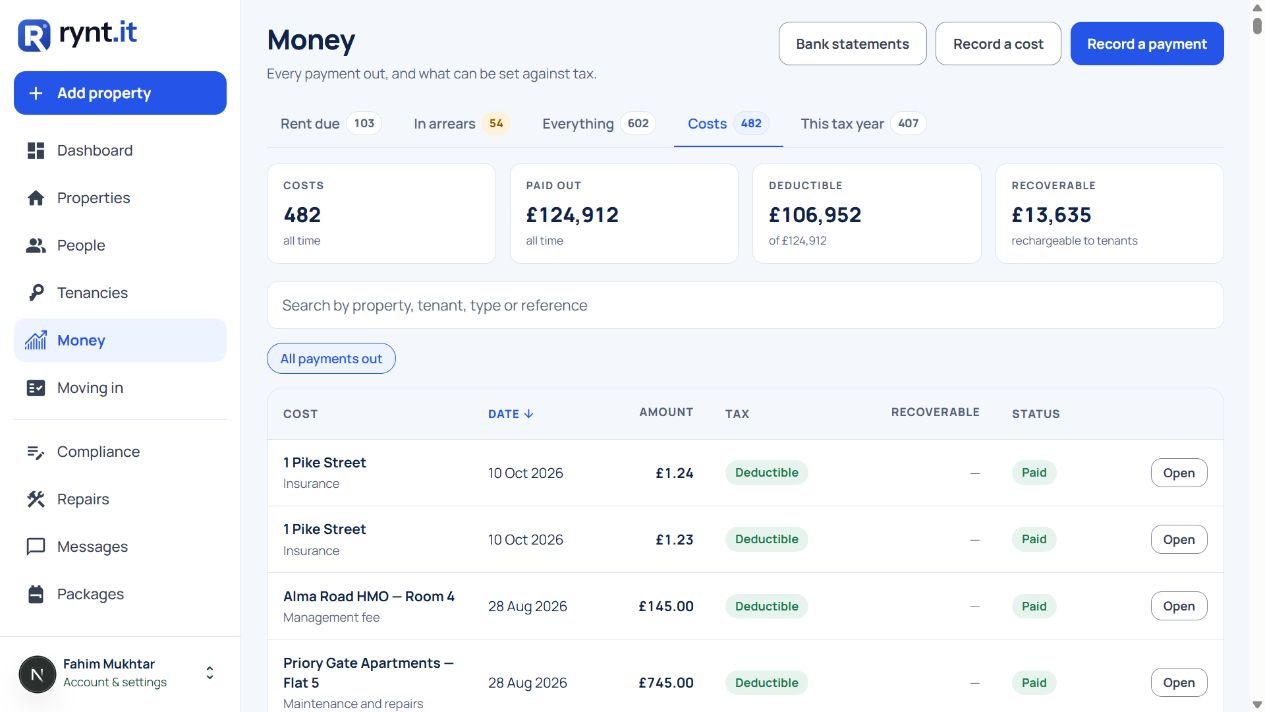
Share property accounts and transaction exports with your accountant. MTD obligations depend on your circumstances. Check the HMRC guidance ↗
REPAIRS & MESSAGES
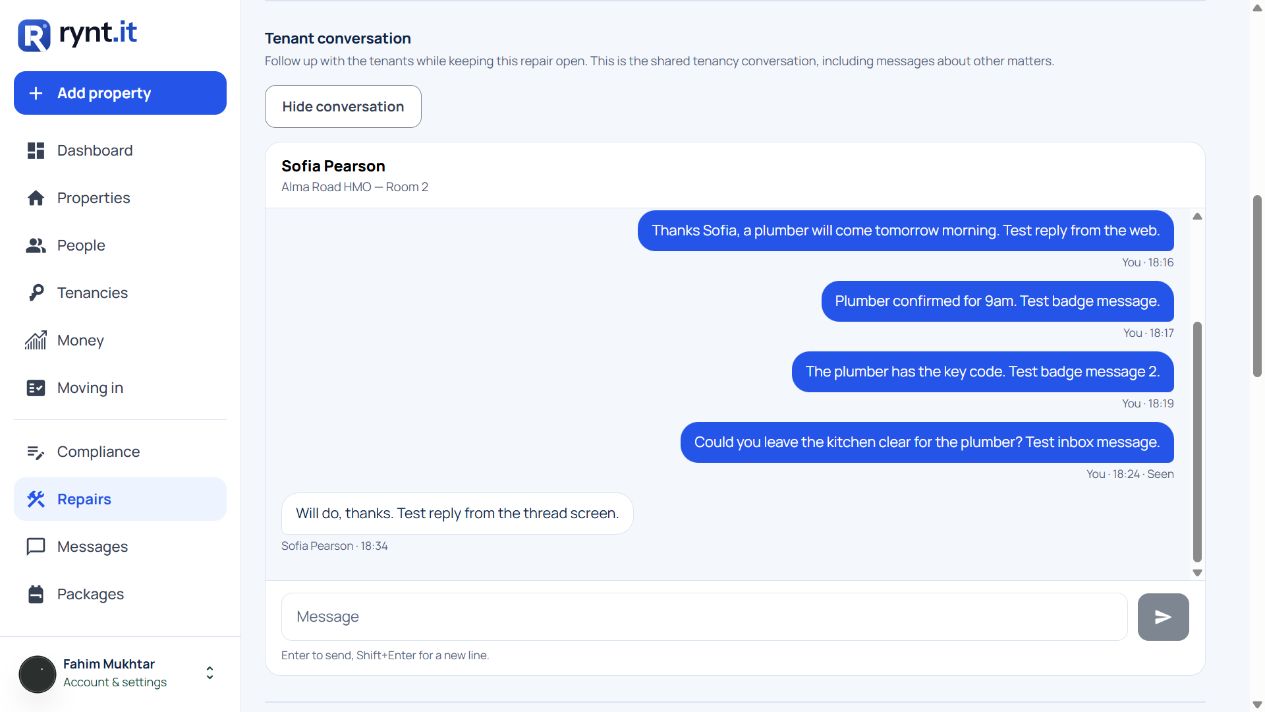
A reported problem needs a clear next step. Keep the conversation, photos and progress with the repair, so you and your tenant can see where things stand.
WEB & MOBILE APP
One app for landlords and tenants. Each sees their own account. Invite tenants when you’re ready; you can also manage your records yourself.
Tenant log in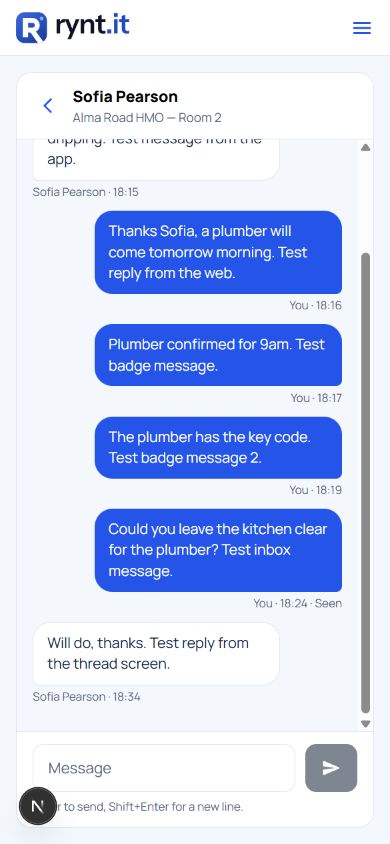
START WITH WHAT YOU HAVE
Add your first property and tenancy, then record rent as you go. Already using a spreadsheet? Import it and review the details before saving.
Add your first propertyBring the rest across when you’re ready.
Tenants see their own tenancy and the documents you share with them.
ROOM TO GROW
All plans include the core management tools. Choose your property allowance and whether you need text reminders.
£0/ month
£9.99/ month
£24.99/ month
Monthly billing. Cancel your paid plan any time; it continues to the end of the billing period.
All core tools: rent and expenses, repairs, messages, compliance records, documents, inspections, accounts and the tenant portal. Includes the supported forms, possession preparation and MTD journeys described above.
Property limits: each lettable unit counts—a house, a flat, or a room let separately in an HMO. A block itself does not count; its flats do.
BEFORE YOU START
Need a hand bringing your properties across? Email support@rynt.it or book a free 15-minute set-up call.
Ask us a questionLandlords managing rental properties in England—from a first buy-to-let to a larger portfolio, including houses, flats, HMOs, blocks and properties held through a company.
Yes. Upload an Excel, CSV or TSV spreadsheet, check the matched columns and review anything that needs fixing before importing.
No. You can invite them to their own web login for rent records, repairs, messages and shared documents.
Build room-by-room inventories with item conditions, photos, meter readings and keys. Compare check-in with check-out, collect signatures and export an inventory PDF.
Use Rynt on the web or in the mobile app. Landlords can manage records at the property; tenants can report repairs, send messages and open shared documents.
Tenants pay you directly. Record payments in Rynt or confirm them from an imported bank statement, so each tenancy’s balance reflects the records you keep.
Keep digital rental records, review quarterly figures and submit updates to HMRC. Share accounts and exports with your accountant. Check the HMRC guidance to understand which obligations apply to you.
Keep registration references, relevant dates and changes with your property records. Rynt supports your preparation and record keeping; registration itself takes place through the government service.
Review supported checks, identify gaps and prepare notices and a document bundle from the records held in Rynt. Legal requirements depend on the tenancy and grounds. Rynt does not represent you in court or guarantee a possession order.
Cancel a paid plan any time. It runs to the end of your billing period, then you can move to Free within its property limit. You can also close your account in Settings. Read about account closure.